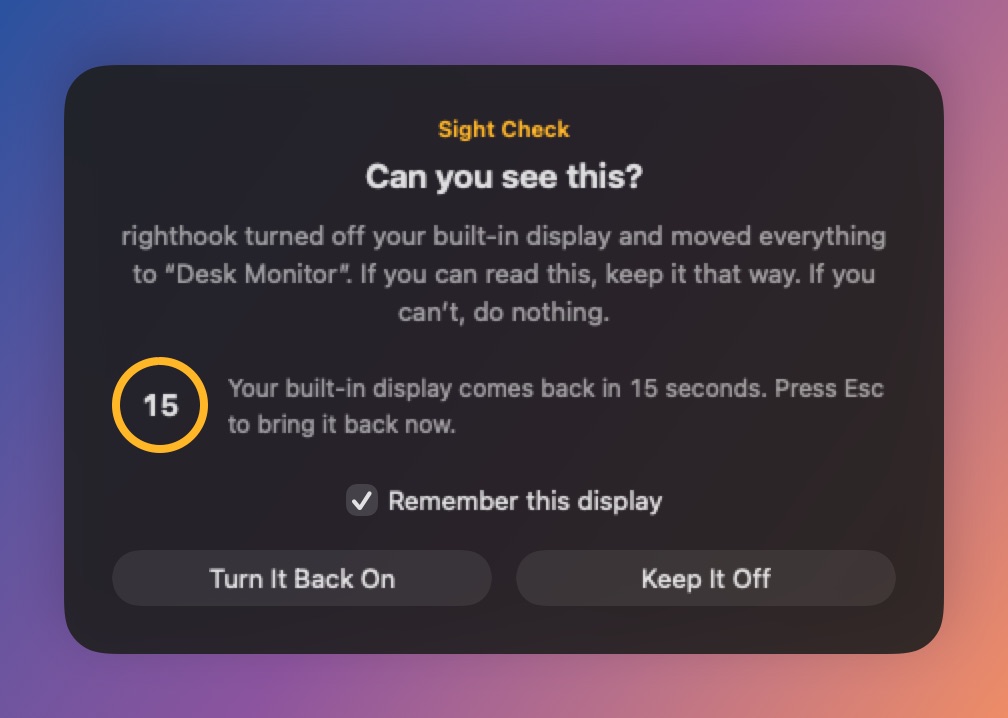
That’s what Sight Check is for. The first time a new display would cause the built-in display to go dark, righthook shows “Can you see this?” on that display. If you can’t see it, because of a wrong input, a sleeping display or a flaky cable, just wait: after 15 seconds your built-in display comes back, and righthook leaves it alone until your displays change. You can also press Esc to bring it back at once.
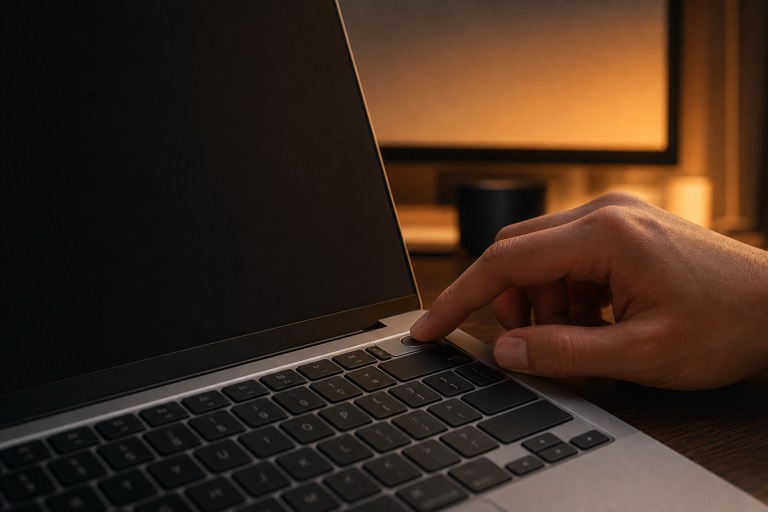
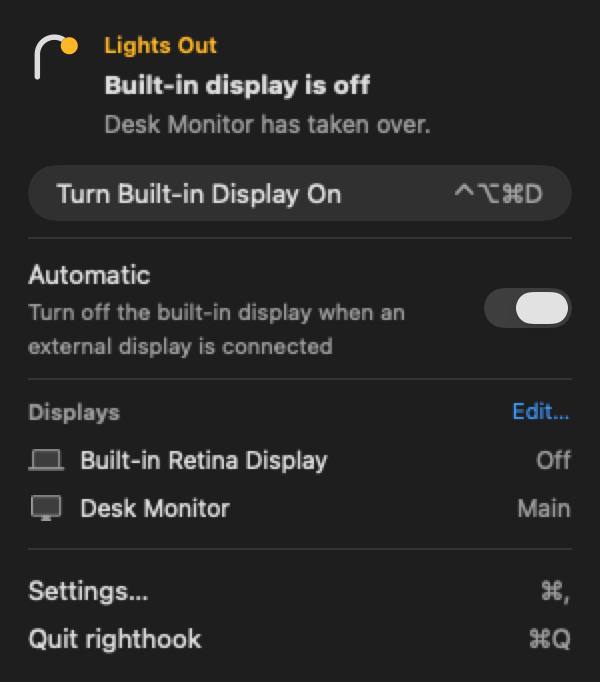
If a display you’ve already confirmed stops showing anything, press your Comeback shortcut (Control-Option-Command-D⌃⌥⌘D unless you’ve changed it). It works from anywhere and doesn’t need you to see or click anything. And if macOS stops seeing the display altogether, righthook restores the built-in display straight away. More in Support.